

Campus and Learning Resources
When you become a Grand Canyon University student, you may have a lot of responsibility. GCU can help you manage your life as a student with campus and learning resources so you can navigate your academic journey. Take a look at our campus and academic resources to learn more about how you can make the most of your GCU experience.
Student Success
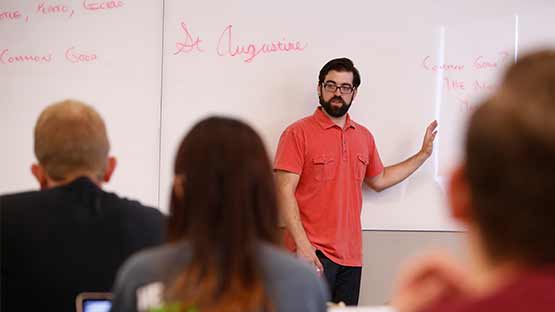
Discover learning resources that can empower you to make the most of your education, including opportunities to study in small, expert-led groups, and get specialized assistance during your time at GCU.
Health and Wellness
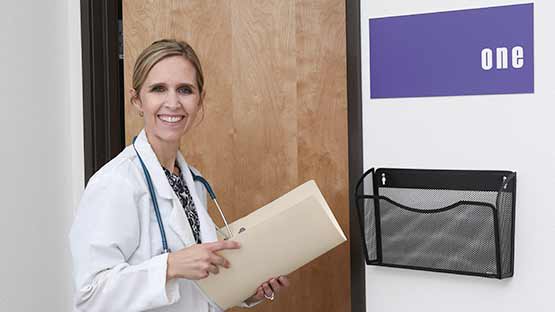
Staying healthy during college is essential. The Canyon Health and Wellness Clinic offers healthcare services on campus. Learn more at students.gcu.edu
Parking on Campus
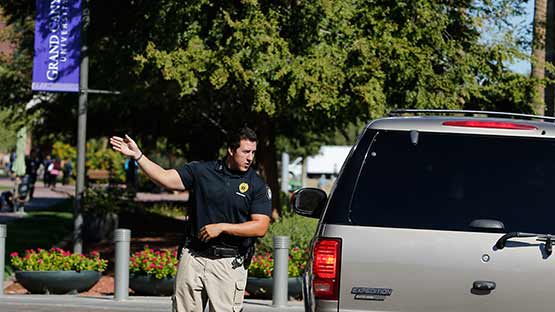
If you plan on driving and parking on GCU's main campus, you will need to register your car and get a parking pass. Explore available garages and parking options to learn more about parking on GCU's campus.
Campus Housing

Living on campus can be the ultimate convenience. Get the most out of your college experience by living in one of our suite-style residence halls or apartments designated specifically for new and returning students.
Dining on Campus
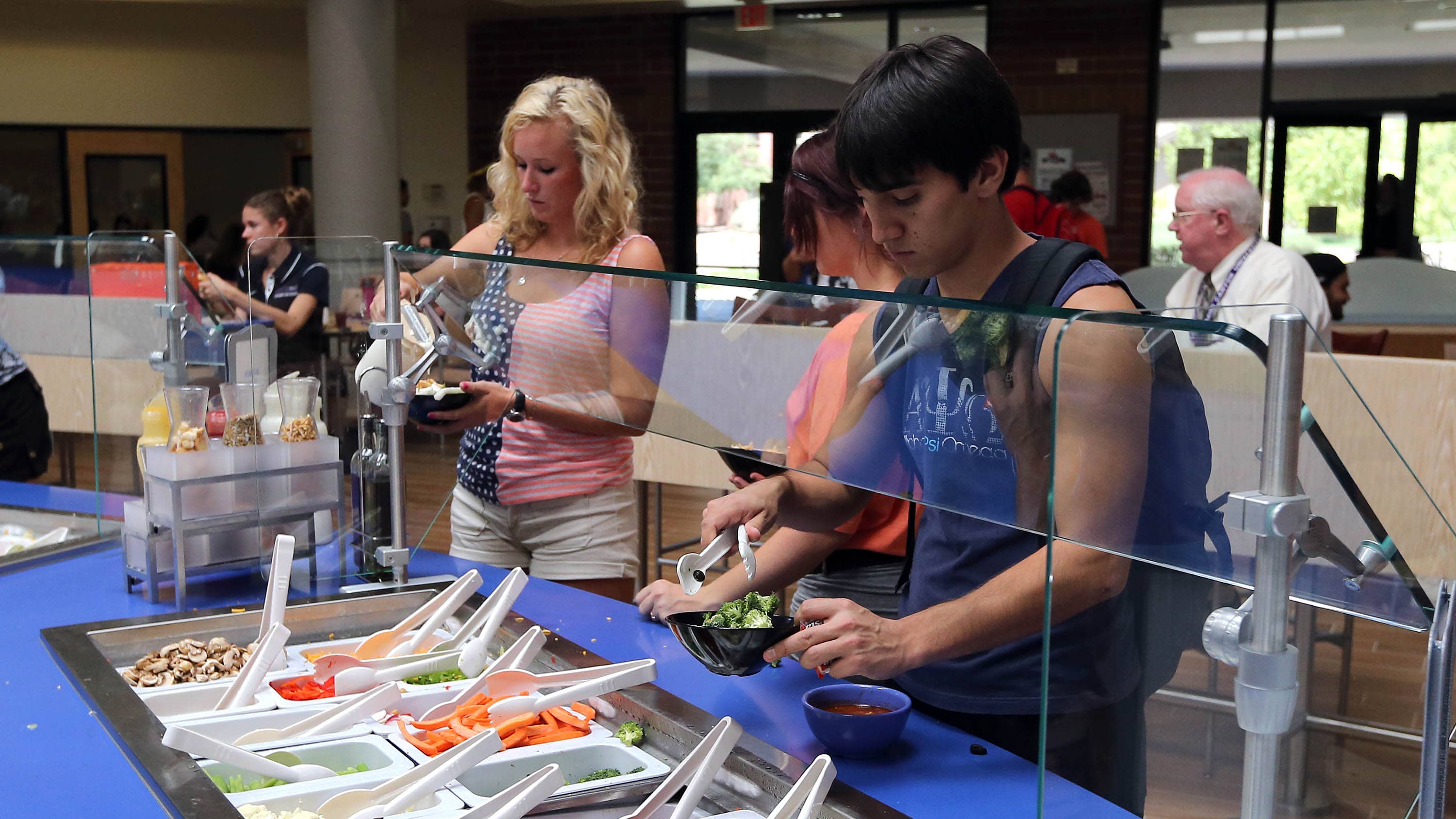
No matter what you are craving, you can find something that will satisfy your appetite at our large selection of on-campus dining options. Choose from popular national eateries and other delicious options.
Tuition and Financial Aid

Discover tuition and housing costs at GCU, as well as helpful information about grants and loans. You can also find information about the generous scholarship and grant opportunities available through GCU.
Campus Map
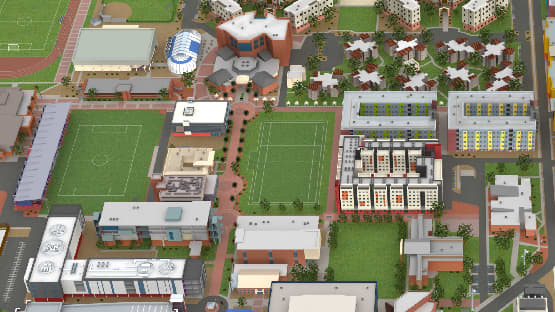
Discover our campus, including where your classroom buildings are located, where to park and where you can eat, study and socialize with fellow Lopes.
Library
Our bigger, better library is conveniently located on the third and fourth floors of our Student Union. Studying online? All students can take advantage of our extensive academic resources at our online library.
ACE Centers
For all traditional ground students, GCU’s Academic and Career Excellence (ACE) Center can help you with your toughest classes. Here, GCU students can help you with proper APA formatting, help you sharpen your writing and research skills and assist you with statistics, biology, chemistry, math and many other courses.
Learning Management System & Student Portal
The innovative Learning Management System helps track your educational activities and resources as a GCU student. Explore student success seminars and other tutorials to help you make the most of your educational experience. Within the system, you will also find tools that can help you:
- Turn in assignments
- Participate in discussion forums
- View assignment due dates, with reminders
- Use the homepage resources
Log in to the Student Portal today at gcuportal.gcu.edu
Canyon Connect
You will find lists of required course materials for each course on Canyon Connect. Whether you have to get a textbook or download digital materials, all of the information is right at your fingertips, from the ISBN number of textbooks to links your eBooks. Learn more about ordering textbooks from an online bookstore.